Can You Add Apple CarPlay to an Older Car? A Phoenix Guide
Yes. Most cars, trucks and SUVs with a standard radio opening can get Apple CarPlay and Android Auto. Here's how it works, what parts it takes and how to choose the right receiver.
 By Sound Image Team
4 min read
By Sound Image Team
4 min read
On this page
- Which older cars can get Apple CarPlay?
- How do you add Apple CarPlay to an older car?
- Wired or wireless CarPlay?
- Will I keep my steering-wheel controls and factory features?
- Can you add a backup camera at the same time?
- Is a CarPlay screen easy to see in Arizona sun?
- Does CarPlay help with Arizona's hands-free law?
- How long does a CarPlay installation take?
- Bottom line
Yes, you can add Apple CarPlay to an older car. If your car, truck or SUV has a standard single-DIN or double-DIN radio opening, or one we can adapt with a dash kit, an aftermarket CarPlay receiver can replace the factory radio and put your iPhone's maps, music, calls and messages on a touchscreen. Most of these receivers support Android Auto too.
Sound Image has been installing car stereos in Phoenix for 40+ years, and older vehicles make some of our favorite CarPlay upgrades. The engine and body still have plenty of life left, and a modern screen makes the whole cab feel newer. Here's what to know before you buy.
Which older cars can get Apple CarPlay?
Most vehicles from the 2000s and early 2010s use one of two standard radio sizes:
- Single-DIN: an opening about 2 inches tall, the classic car stereo size.
- Double-DIN: about 4 inches tall, which fits most 6- to 7-inch touchscreens.
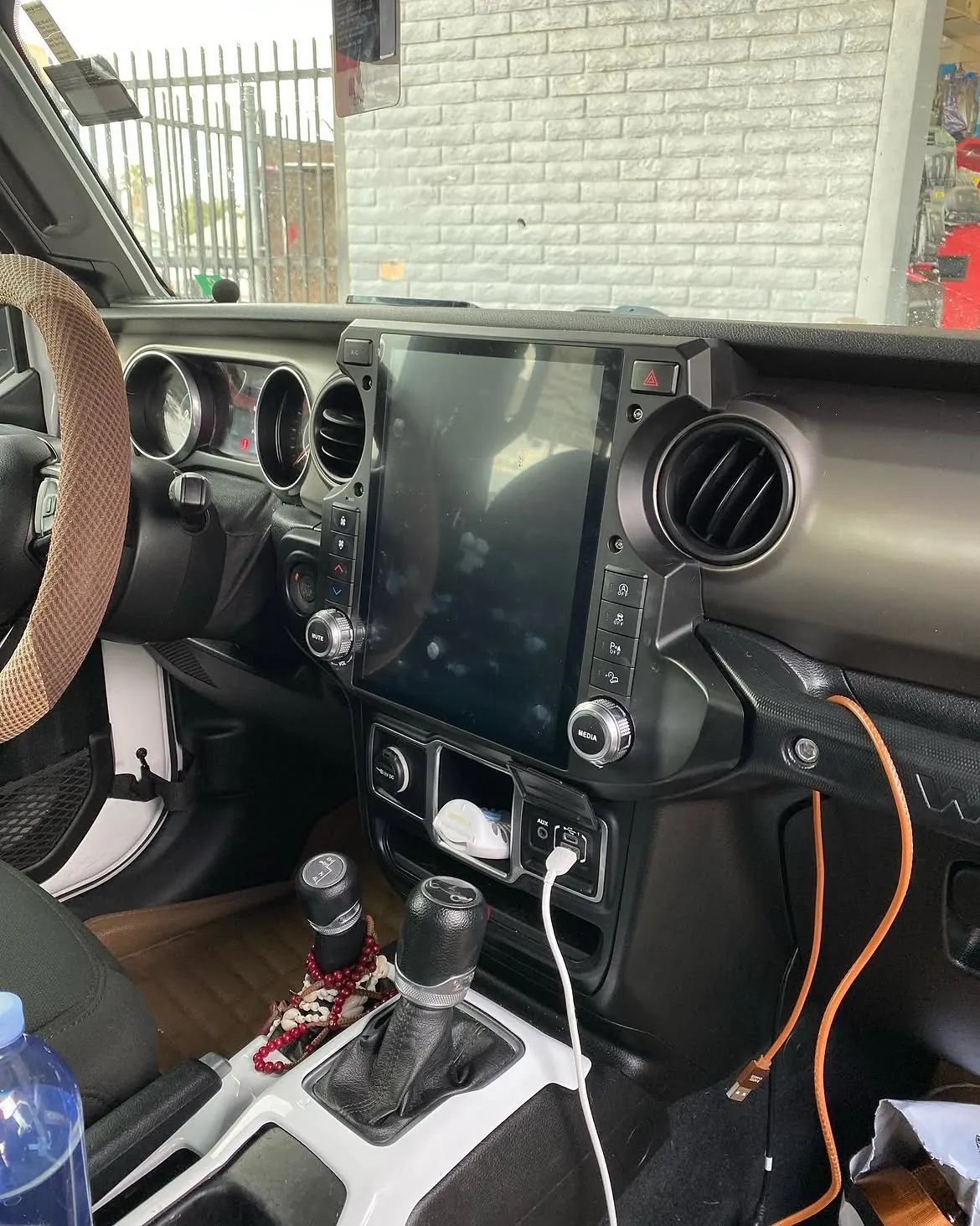
If your dash has either size, a CarPlay receiver can usually go right in with a vehicle-specific dash kit (see our car stereo installation page for how we fit them). Only have a single-DIN slot? A floating-screen receiver mounts a 9- to 11-inch display in front of the dash on a standard chassis, so you can still get a big screen.
Some vehicles have the radio built into a larger dash panel or a factory screen. Many of those can still take a vehicle-specific receiver kit or an integration module. The quickest way to know is to tell us your year, make and model, and we'll confirm what fits before you spend anything.
How do you add Apple CarPlay to an older car?
There are two ways to add CarPlay to a vehicle that didn't come with it:
| Option | How it works | Best for |
|---|---|---|
| Aftermarket CarPlay receiver | Replaces the factory radio with a new touchscreen head unit | Most older cars, trucks and SUVs with a standard radio opening |
| Integration module | Adds CarPlay to the factory screen and keeps the factory radio | Some newer vehicles that already have a screen in the dash |
For most older vehicles, a new receiver is the better path. You get a modern screen, better sound controls, Bluetooth calling and an input for a backup camera in one upgrade. Integration modules depend heavily on the exact vehicle, so we only recommend one after we've confirmed it supports your car.
Wired or wireless CarPlay?
Wired CarPlay connects through a USB cable. Your phone charges the whole drive, the connection is rock solid, and wired receivers are usually the more budget-friendly choice.
Wireless CarPlay connects automatically over Bluetooth and Wi-Fi when you start the car, so your phone can stay in your pocket. It's great for short trips around town, but it uses more phone battery, so plug in anyway on long drives.
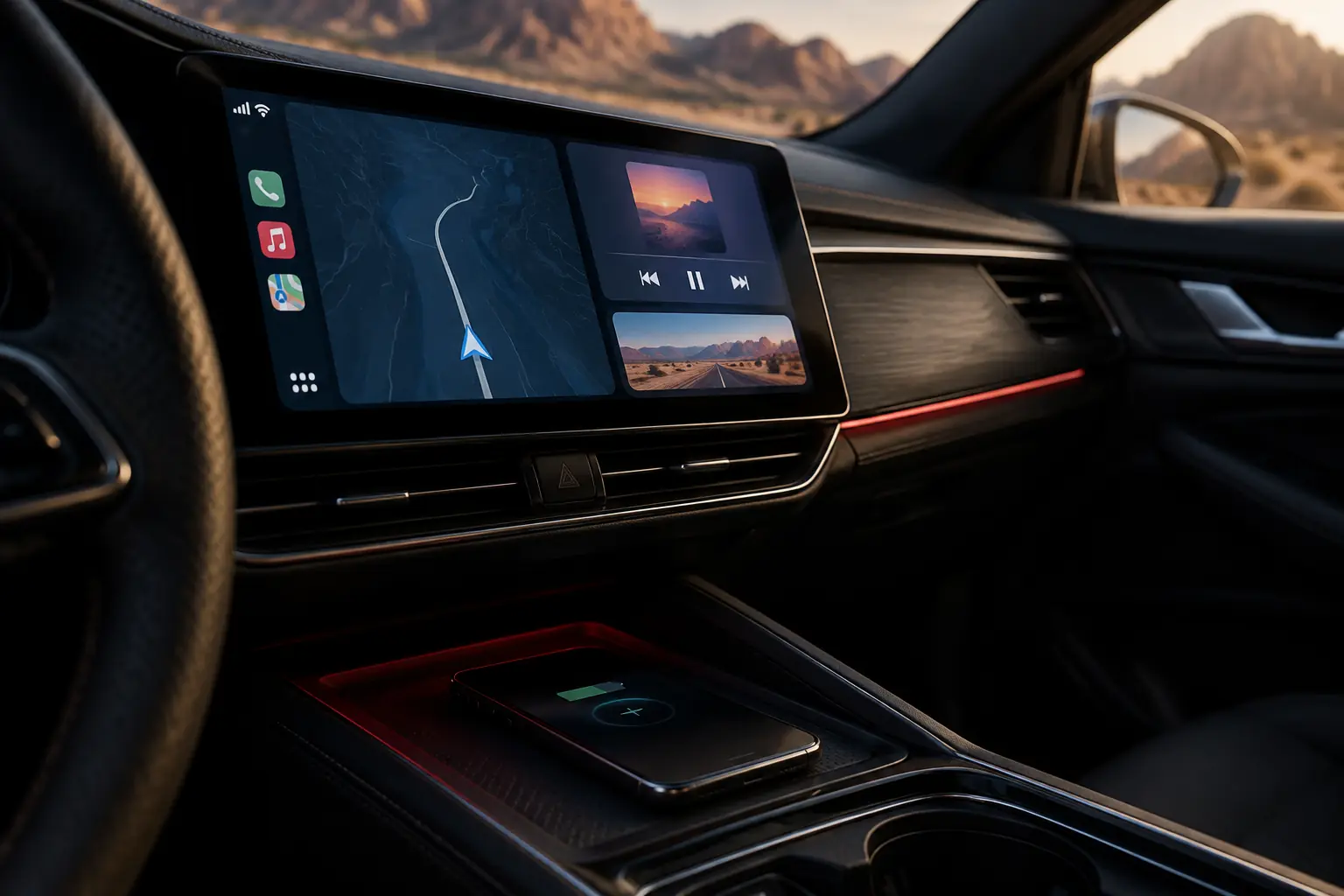
Either way, your phone can ride in the console instead of baking on a windshield mount. In a Phoenix July, a phone sitting in direct sun can overheat and shut down right when you need directions.
Will I keep my steering-wheel controls and factory features?
In most vehicles, yes, as long as the right parts are used. A proper CarPlay install includes:
- A vehicle-specific dash kit so the new receiver looks factory-installed.
- A wiring harness so the factory wiring isn't cut.
- A steering-wheel control interface to keep your volume, track and phone buttons working. We use brands like iDatalink Maestro, PAC and Crux.
- An antenna adapter so AM and FM reception stays strong.
On many vehicles, the same interface also keeps a factory amplifier, backup camera or warning chimes working. Pair an iDatalink Maestro module with a compatible Kenwood, Alpine or JVC receiver and, depending on the vehicle, the new screen can even show gauges and climate settings.
Can you add a backup camera at the same time?
Yes, and it's the smartest time to do it. Most CarPlay receivers have a rear camera input that switches to the camera automatically when you shift into reverse. Adding the camera in the same visit saves a second appointment and a second round of taking the dash apart. We run the camera cable behind the trim so it stays protected and out of sight. See our backup camera installation page for camera options.
Is a CarPlay screen easy to see in Arizona sun?
It can be, if you choose the right screen and mounting position. Look for:
- A capacitive touchscreen that responds to a light touch, like your phone.
- Good brightness and viewing angles to fight glare.
- A tiltable floating screen if your dash faces the afternoon sun.
Heading east on Camelback Road in the morning or west on I-10 at sunset is a real test. We position every screen with your windshield and seating position in mind, and a windshield sunshade helps protect it while you're parked.
Does CarPlay help with Arizona's hands-free law?
Arizona law doesn't allow drivers to hold or support a phone while driving, but it does allow hands-free use through a device built into the vehicle (A.R.S. 28-914). CarPlay and Android Auto put calls, voice-controlled messages and navigation on the dash screen, run by Siri or Google Assistant. We mount the microphone near the headliner or steering column so callers can hear you over the AC.
How long does a CarPlay installation take?
Most CarPlay and Android Auto installs take about 2–3 hours, depending on the vehicle. A simple double-DIN swap can be quicker. Vehicles with factory amplifiers, steering-wheel interfaces or a backup camera add-on take longer. We'll give you a time estimate when you book so you can plan your day.
Bottom line
If you want to add Apple CarPlay to an older car, a new receiver is almost always the answer. As long as your dash has a standard radio opening, you keep your steering-wheel controls and can add a backup camera in the same visit. Compare Kenwood, Alpine and JVC receivers in person at our showroom at 4146 W Camelback Rd, or read more on our Apple CarPlay & Android Auto installation page.